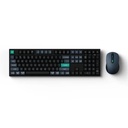
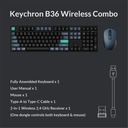
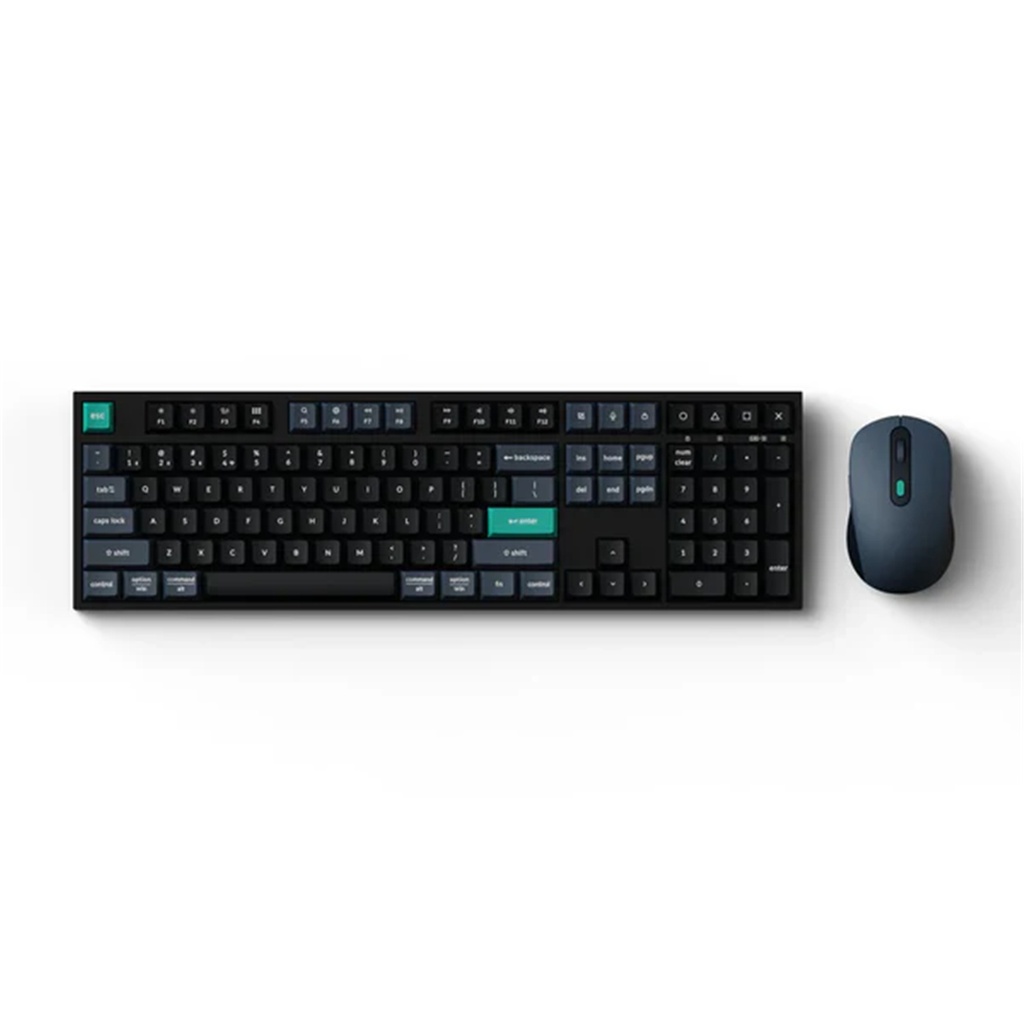
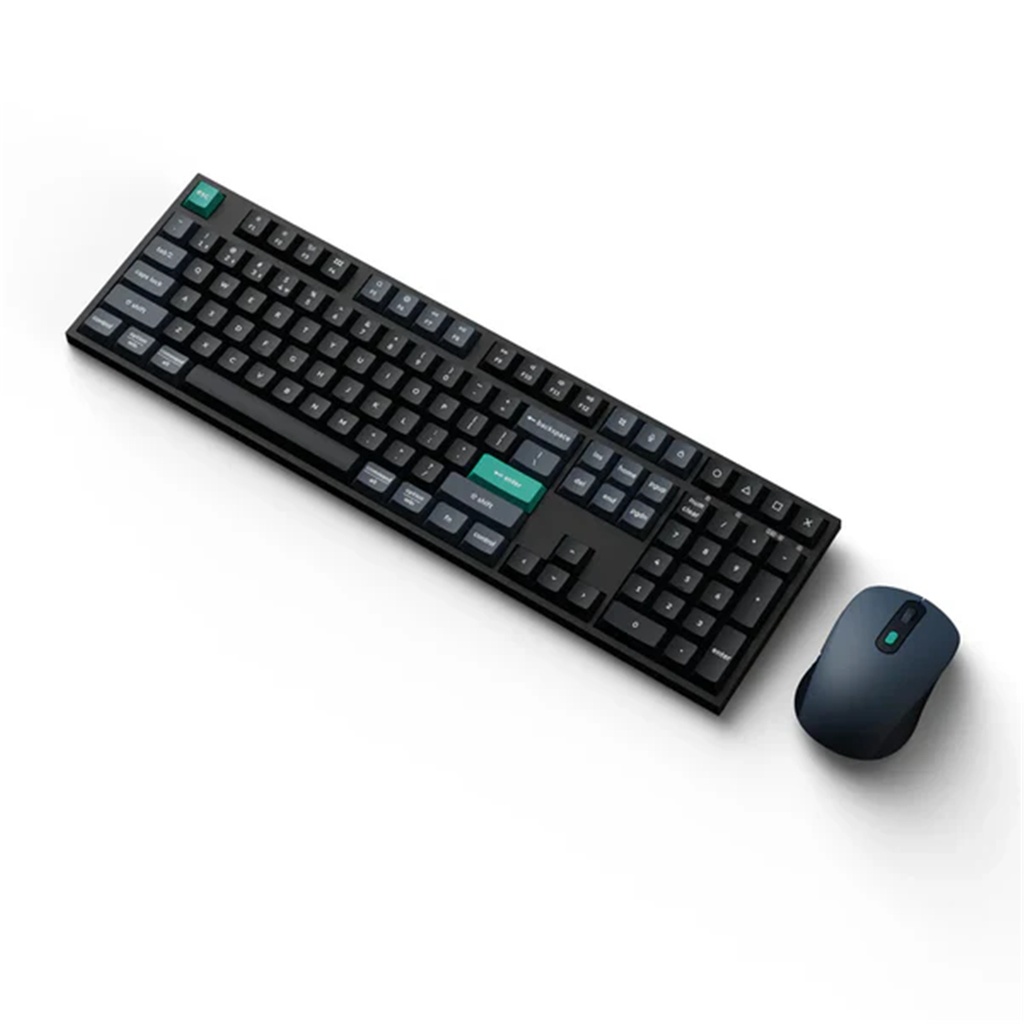
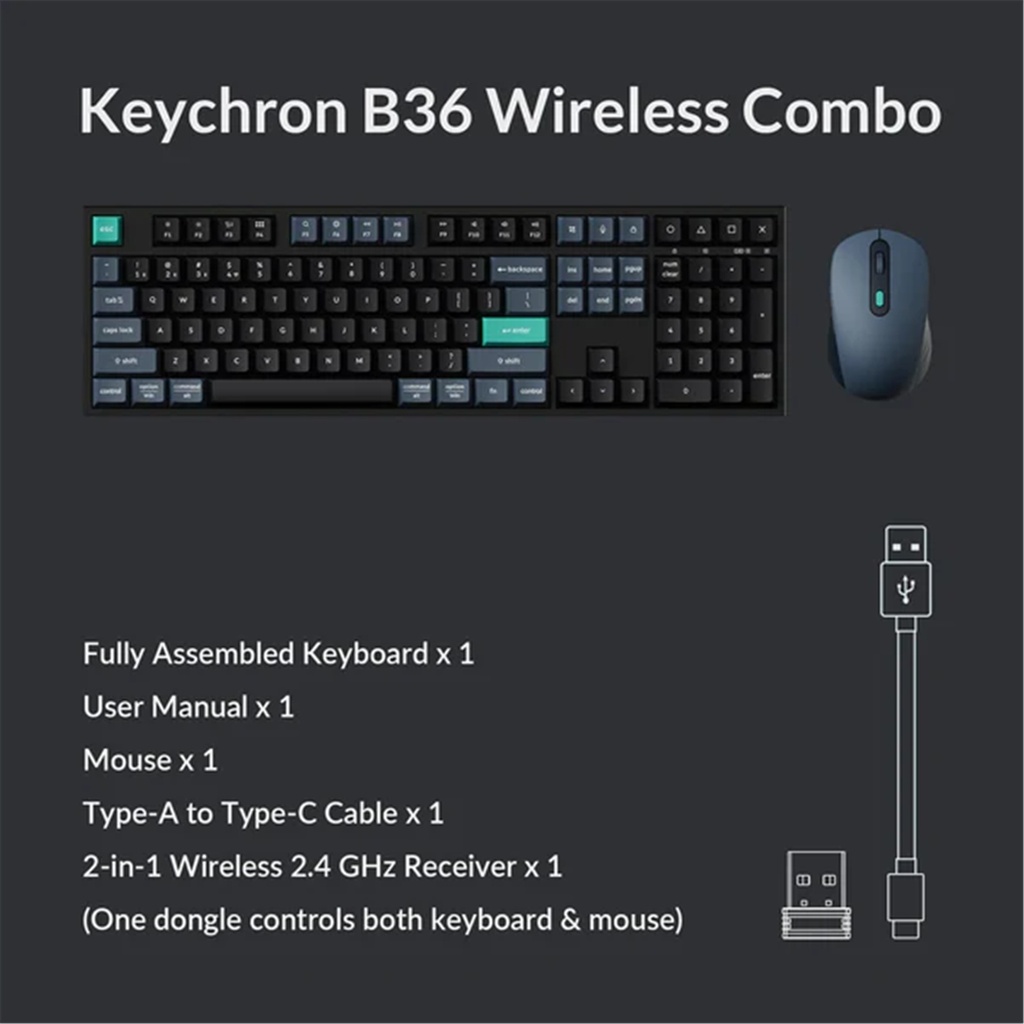
Keychron B36 Wireless Combo
with BM25 Mouse
Unleash
seamless control and precision with the Keychron B36 keyboard and BM25
mouse wireless combo. Designed for creators and professionals alike,
this combo delivers smooth keystrokes and pinpoint accuracy.
From
B36's innovative scissor mechanism to BM25's all silent design,
experience whisper-quiet operation and a new standard of wireless
performance that keeps up with your workflow.

Triple Connection Modes
Experience
peak performance on the fly with cutting-edge 2.4 GHz wireless
connectivity and a rapid 1000 Hz polling rate for both keyboard and
mouse—delivering ultra-low latency and quick response—all via a unified
2-in-1 receiver for effortless pairing.
For seamless
multitasking, the B36 supports Bluetooth 5.2 with effortless switching
across your computer, tablet, and phone—up to three devices. The BM25
mouse also features stable Bluetooth 5.2 for added flexibility in your
wireless setup.

All Silent Design
The B36 keyboard comes with fully pre-lubed keys, delivering smooth, low-friction keystrokes and a consistent feel across every key. Equipped with all-silent micro switches, the BM25 ensures ultra-quiet clicks—perfect for shared spaces and office work.

Quick Reconnection

For the B36 keyboard, flip the toggle switch on the upper right corner to quickly re-enter Bluetooth or 2.4G pairing mode anytime. In Bluetooth mode, press Fn +1/ 2/ 3 for 3 seconds to switch to different channels.
With a pairing button on the bottom, you can quickly re-enter the BM25 mouse’s Bluetooth or 2.4G pairing mode anytime. In Bluetooth mode, just hold it for 3 seconds to pair with a new device.

Features
Plug-and-play

Achieve high-quality audio by simply plugging in the USB connection.
Noise-canceling microphone
.png)
The flexible microphone reduces background noise for natural-sounding conversations.
Experience-digital-clarity
.png)
Bring all your favorite sounds to life with clear, digital audio.
More lifelike chatting
.png)
The flexible microphone reduces background noises, so your friends and family can hear more of your crystal-clear voice.
Pure-comfort
.png)
Enjoy unmatched comfort and the perfect fit with the lightweight, flexible headband.